CURRICULUM PROOF
The design signals at a glance.
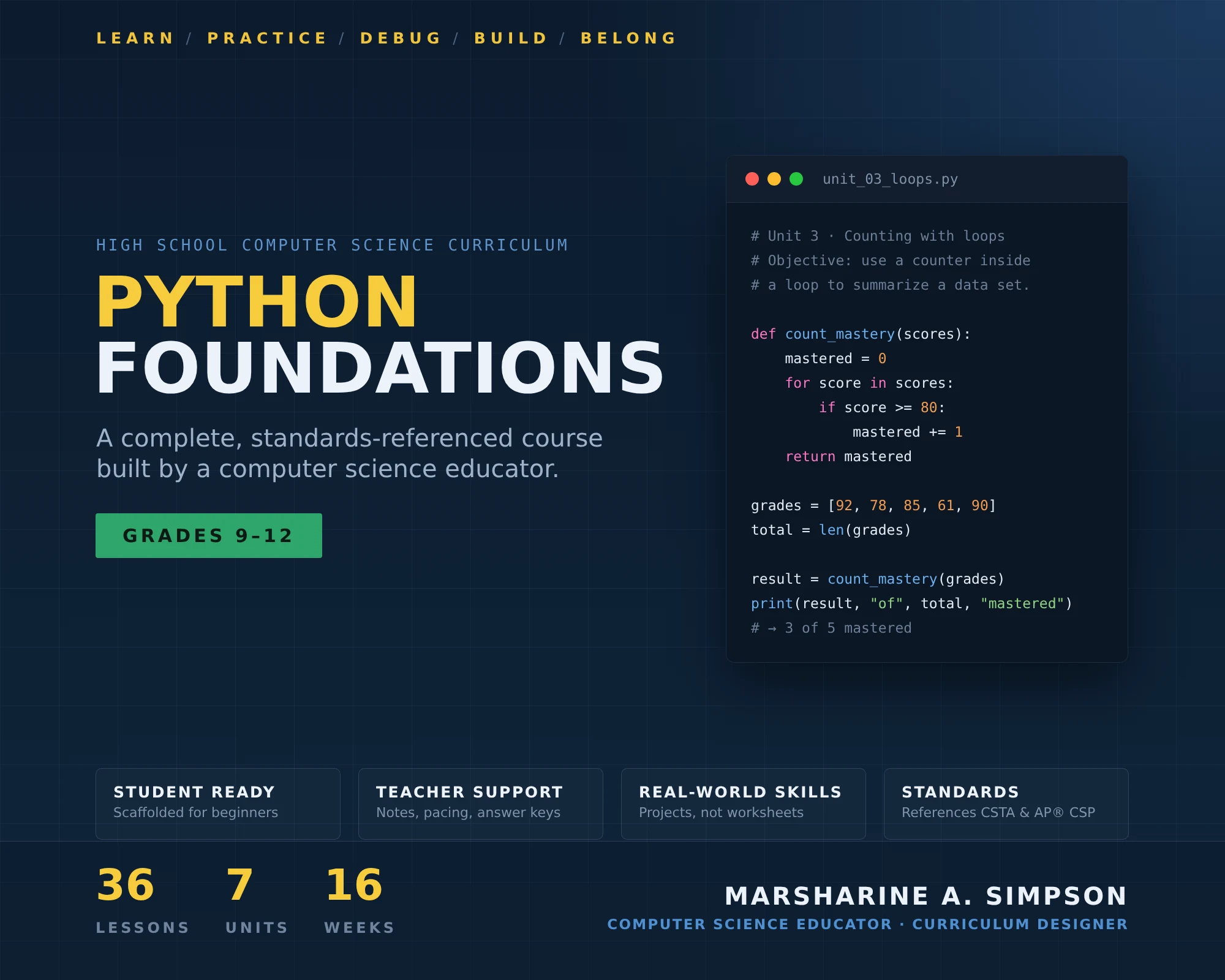
A cumulative scope and sequence of seven units and 36 lessons, ending in an original capstone program.
Each lesson moves from explicit instruction and modeling through guided practice to independent application.
Formative checks, debugging tasks, unit performance checkpoints, code explanation, and project-based assessment.
Every code example and interpreter message was executed on Python 3.12 rather than written from memory.
THE CHALLENGE
Make programming accessible to true beginners.
Introductory programming courses often lose beginners early: error messages feel like failure, syntax is memorized without understanding, and a program that runs is mistaken for a program that is correct. The challenge was to design a structured introductory computer science course that secondary students with little or no coding experience could actually succeed in—and that another teacher could pick up and deliver with confidence.
AUDIENCE
Grades 9–12 students starting computer science.
The course is written for high school students beginning their study of computer science and Python, including learners with no previous programming experience. It runs in a browser-based environment, so no local installation is required, and grades 6–8 adaptation notes are embedded throughout for middle school use.
CURRICULUM ARCHITECTURE
Seven units that build on each other.
The sequence is intentionally cumulative: students first learn to communicate precisely with a computer, then store information, make decisions, automate repeated work, decompose larger problems, process collections of data, and finally apply all of it in an original project.
- Getting Started with Python5 lessons — output, precise instructions, and reading errors from the start.
- Variables and Data6 lessons — storing and transforming information.
- Making Decisions6 lessons — conditions, condition order, and input validation.
- Repetition and Loops6 lessons — automating repeated work and reasoning about termination.
- Functions and Decomposition6 lessons — breaking larger problems into manageable parts.
- Lists and Working with Data5 lessons — processing collections of data.
- Capstone Project2 lessons — an original program that applies the full course.
INSTRUCTIONAL DESIGN
From objective to mastery, every lesson.
Each lesson follows a structured instructional-design progression so that students are never asked to work independently on a skill they have not first seen modeled and practiced with support.
Debugging is taught early
Traceback reading begins in Lesson 1.3, before programs become complex. Students learn to identify the line, the error type, and what the message means—and to describe the error in their own words—before changing any code.
Separate “runs” from “correct”
The course repeatedly returns to the idea that a program that executes is not automatically correct, through silent logic errors, condition order, input validation, loop termination, and testing.
Reasoning, not syntax copying
Students predict, run, read, explain, repair, and justify. Computational thinking is built through problem decomposition, and later units ask students to express the same algorithm in both Python and pseudocode so they can separate the underlying logic from language-specific syntax.
STANDARDS
Designed with reference to recognized frameworks.
The course was designed with reference to the CSTA K–12 Computer Science Standards (revised 2017) and selected concepts from the AP® Computer Science Principles framework, particularly Big Ideas 1 and 3. Following CSTA’s publication of the 2026 PK–12 standards, a lesson-by-lesson remap to the new identifiers is part of the course’s ongoing quality-assurance process.
The curriculum is standards-referenced, not certified. It has not received a CSTA Seal of Alignment, is not endorsed by CSTA or the College Board, and is not represented as a complete or authorized AP® course. AP® is a registered trademark of the College Board.
ASSESSMENT
Assessing whether students can apply and explain.
Assessment prioritizes whether students can apply programming concepts, reason about code behavior, debug problems, and communicate design decisions—not whether they can recall vocabulary. The complete course combines:
- Brief formative checks and exit tickets
- Coding practice and debugging tasks
- Unit performance checkpoints with rubrics
- Code review and explanation
- Project-based assessment and a final capstone program
The public sample lesson includes its exit ticket and answer key, showing how formative assessment is tied directly to the lesson’s learning objectives.
TECHNICAL ACCURACY
Every example executed, not remembered.
Small inaccuracies in a traceback, an expected output, or indentation behavior can create real confusion for beginners. Every Python code sample and interpreter error message in the course was executed on Python 3.12 before release. Because exact error wording can differ across Python versions, the curriculum also maintains correction records and version-aware notes.
Development workflow: finalized lesson → companion materials → standards reference review → code and output verification → quality assurance → public sample release.
TEACHER USABILITY
Built so another educator can deliver it.
The finalized lesson is the single source of truth for every slide, handout, lab, assessment, and answer key. Teacher notes explain common misconceptions, likely sticking points, the reasoning behind the sequence, expected output, and how to respond when students struggle. Differentiation guidance, pacing notes, and grades 6–8 adaptation notes help teachers adjust the material for their own students.
The complete course includes teacher lesson plans, instructional slides, student workbook materials, coding labs, independent practice, exit tickets and quizzes, performance checkpoints, rubrics, answer keys, and worked solutions. Those full materials are maintained privately; the public repository publishes selected samples for review.
MY ROLE
Course architect, author, and technical reviewer.
I designed the scope and sequence, wrote the learning objectives and lessons, built the practice and assessment structure, wrote the teacher-facing guidance, and verified the Python content by execution. My software-development background is what made the technical-accuracy standard possible: I can read, run, and debug every example I ask students to learn from.
ARTIFACTS
Review the public work samples.
- Sample Lesson 1.3 — Reading Errors as Information ↗Objectives, modeling, guided debugging practice, student handout, exit ticket and answer key, differentiation, teacher notes, and grades 6–8 adaptation.
- Scope & Sequence — Public Course Overview ↗Unit sequence, instructional design features, assessment approach, and standards references.
- Curriculum Overview ↗Course at a glance, instructional approach, and runnable Python examples from the sample lesson.
- GitHub Repository ↗The full public curriculum portfolio, development roadmap, and attribution notes.
- Curriculum Designer Résumé ↗Curriculum development, teaching, EdTech, and technical experience in one page.